Make friends with the piano.
“Which sound is it?” A little moment, together.
Listen to a grand piano and choose a picture or a note name. Make a little listening game part of your day.
Explore free coverage3 chords to practise / white notes to check
iOS app · Testing with TestFlight
Read the guide
Inside the app
Listen. Choose a picture. Learn one sound at a time.
Children tap large pictures. Parents follow the practice history and add each new sound when the time feels right.
Start with just one apple.
Listen to about two seconds of recorded grand piano and choose a picture. Missed answers immediately reveal and replay the correct sound. Build a habit with short, ten-question sessions.
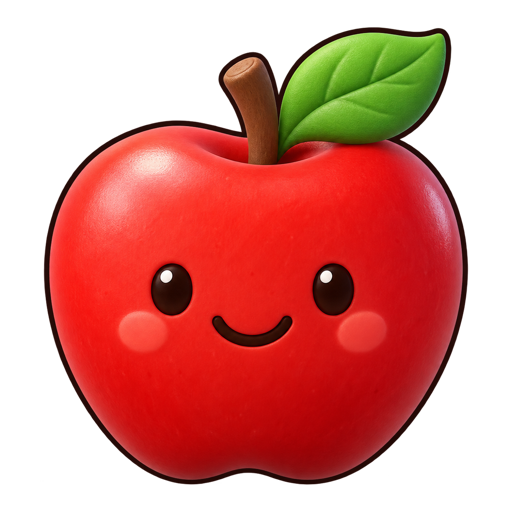

Which picture matches?
AppleAnyone can give their pitch sense a quick check.
Choose a note and review all ten answers at the end. White-key note checks across two or three octaves are free. Check results are kept separate from practice.
Read the guide ♫
♫ See the current practice and the next step.
Follow sessions, days, time and the calendar. Familiarity and recent answers help you consider the next chord or stage. Parents decide; the app never advances automatically.
Read the guideCurrent practice
White-key chordsFREE TO START
Begin with three chords, free.
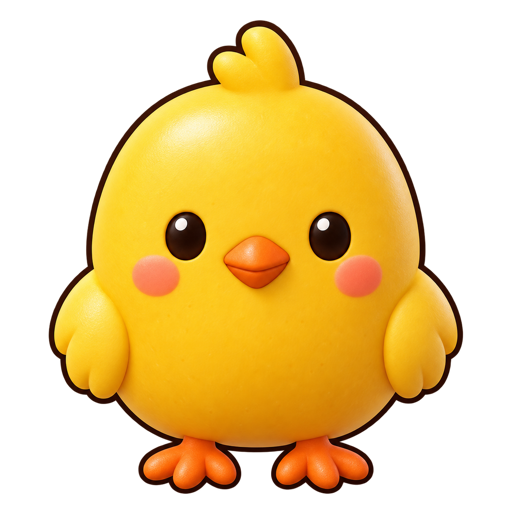
Start with Apple, then a parent can add Chick and Whale one at a time. Practice sessions are unlimited. Further chords and single-note practice are available with a one-time purchase.
Free & paid coverageEight stages, from chords to individual notes.
Begin with white-key chords, then add note names, white-key notes and sounds with black keys. A parent chooses each step at the child’s pace.
- 1White-key chords
- 2Chord note names🔒
- 3White notes · 2 octaves🔒
- 4White notes · 3 octaves🔒
- 5
 Black-key chords🔒
 - 6
 All chord note names🔒
 - 7
 Black notes · 2 octaves🔒
 - 8
 All notes · 3 octaves🔒
PARENT GUIDE
Before you start, and whenever you need help.
Pictures and examples explain preparation, daily practice and when to consider the next sound.
01Getting started
From getting ready to your first ten questions.
Read the guide02A daily practice routine
Ten questions at a time, woven into everyday life.
Read the guide03The eight-stage learning path
Begin with Apple and let a parent guide each step.
Read the guideFREE & MORE SOUNDS
Know exactly what is free.
Start with Apple and practise up to three chords free. The full version adds further sounds and single-note practice.
| Sounds & features | Free demo | All sounds (planned) |
|---|---|---|
| Practice, records and focus practice for first 3 chords | Included | Planned |
| White-key note checks · 2–3 octaves | Included | Planned |
| Add further chords, up to all 14 | Not included | Planned |
| White- and black-key single-note practice | Not included | Planned |
| Continue through all eight learning stages | Not included | Planned |
The iOS app starts free. Additional sounds are planned as a one-time ¥1,980 purchase in Japan, with no subscription. Final pricing and availability will be announced at launch. Check the local price in Apple’s purchase sheet before buying. This website does not take payments.
Full coverage means the 14 included chords and white- and black-key notes. It does not cover every instrument, pitch range or chord.
Your child’s pace comes first.
Parents decide when to add sounds or change stages. The app never moves children forward automatically. Practice guidelines are references for observation, not promises of an outcome.
Evidence and limitationsStart with ten little questions.
The first three chords and white-key note checks are included for free. The iOS app is being prepared for release.
3 chords to practise / white notes to check